








img-product
img-product
img-product
img-product
img-product

TBS Tango 2 Pro

Remotes

Best Price
$231.96
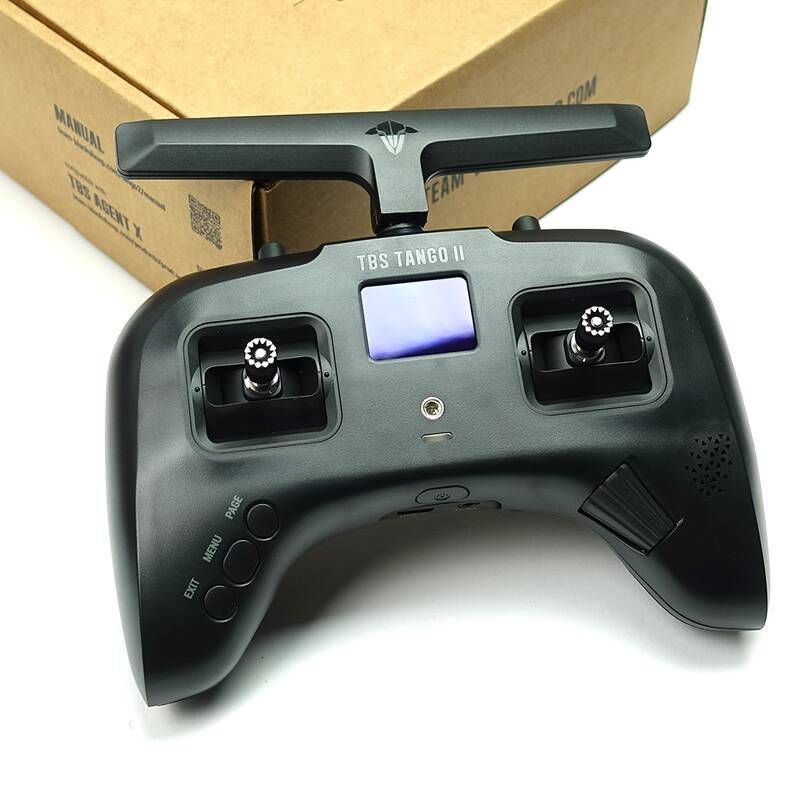
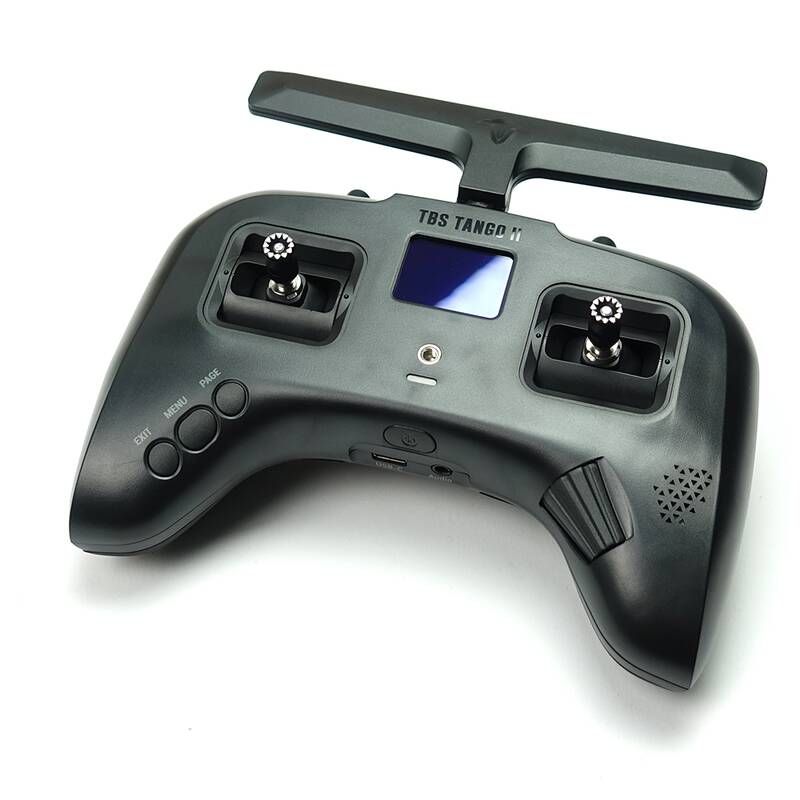
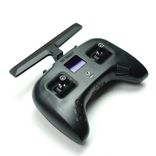
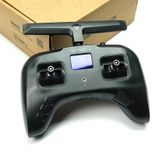
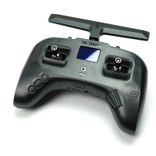
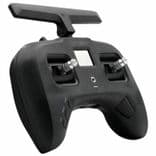
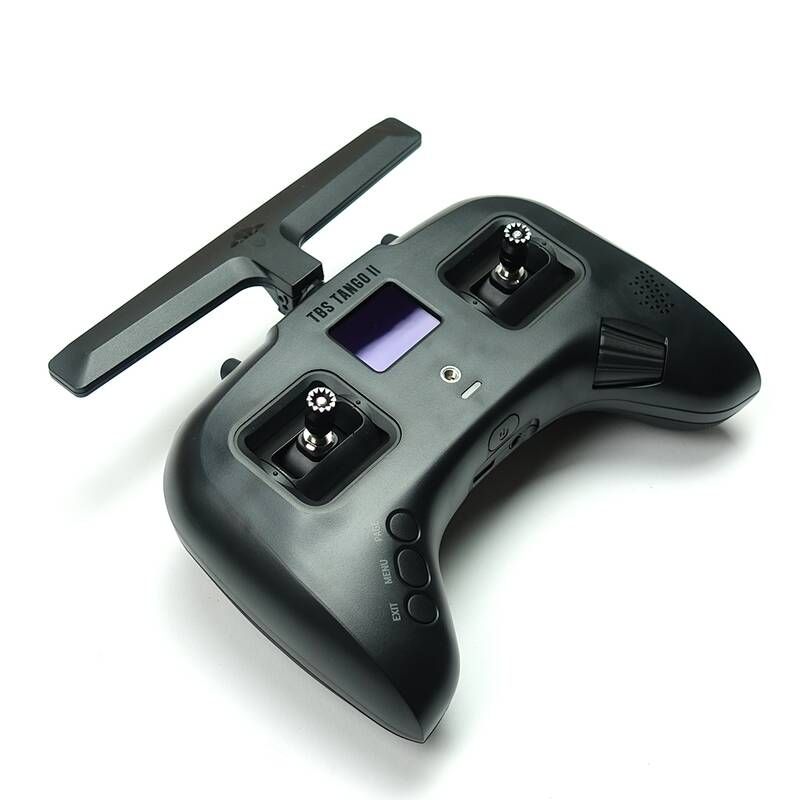
The TBS Tango 2 Pro is the upgraded version of the original "gamepad" style radio. While it retains the same compact footprint and built-in Crossfire system, the "Pro" designation adds high-end hardware like folding gimbal sticks, making it arguably the most travel-friendly full-performance radio on the market.

Product Description

TBS Tango 2 Pro Radio Transmitters Version Pro (Folding Gimbals) Radio Protocol TBS Crossfire (Built-in) Style Gamepad

The TBS Tango 2 Pro is designed for the pilot who wants zero compromises in a portable package. By integrating the Crossfire module directly into the board, it achieves the lowest possible latency and a clean, antenna-swivel design that fits into any bag without snagging.

  • Folding Gimbal Sticks: The standout feature of the Pro. The gimbal sticks can be folded flat against the radio body, eliminating the need for bulky gimbal protectors during transport.

  • Integrated Crossfire: Built-in TBS Crossfire Micro TX supporting up to 1W of power (on V3 boards), providing a range of up to 30km.

  • Full-Size Hall Gimbals: Despite the small shell, it uses full-sized, ball-bearing Hall effect sensors for high precision and longevity.

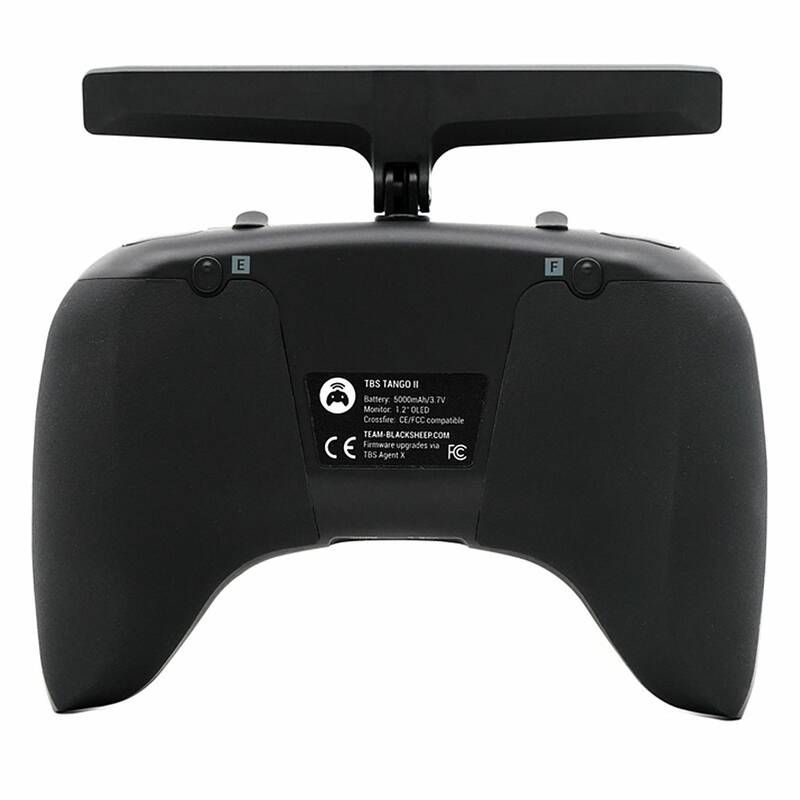
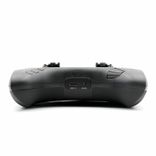
  • Compact Ergonomics: Features rubberized grips and a rounded shape that mimics a gaming controller, making it ideal for "thumbers" and hybrid pinchers.

Technical Specifications:

  • Weight: 345g

  • Gimbals: Full-size Hall Sensor (Foldable)

  • Output Power: 25mW to 1W (V3 PCB version)

  • Battery: 5000mAh 1S LiPo (Internal)

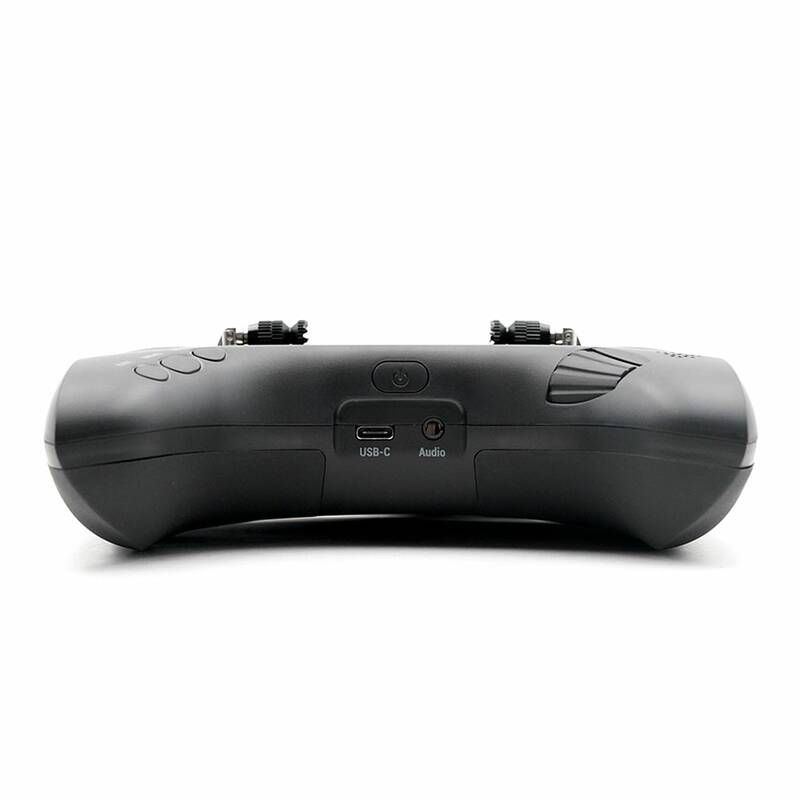
  • Charging: USB-C (2A rate)

  • Display: 1.2” OLED (128 x 96)

  • OS: FreedomTX (OpenTX fork)

The Pilot's Reality Check:

  • Tango 2 vs. Pro: The only major hardware difference is the folding sticks and the included accessories. If you don't travel often, the standard Tango 2 offers the same flight performance for a lower price.

  • Switch Durability: The rocker-style switches are "unbreakable" because they don't stick out, but they lack the physical "throw" of traditional toggle switches.

  • Screen Size: The OLED is sharp but very small. It’s perfect for checking link quality (LQ) and battery, but can be difficult for complex model programming.

📦 Package contains
  • 1 * Tango 2 Pro Remote Controller

  • 1 * Velvet Carry Bag with TBS Logo

  • 1 * Springs Set (Default and Lower Tension)

  • 2 * Throttle Limitation Screws (with Allen key)

  • 1 * TBS Tango 2 Neck Strap Mount

  • 1 * Sticker Sheet

🤔 Frequently Asked Questions
  • What exactly makes it "Pro" compared to the standard version?

    The main hardware difference is the folding hall-sensor gimbals. On the Pro version, the sticks are spring-loaded; you can pull them out and fold them down flat against the face of the radio. This means you don't need a bulky "stick protector" or a hard case to prevent the gimbals from snapping in your bag.

  • How powerful is the built-in Crossfire?

    Depending on your version (V3 boards and newer), the internal Crossfire module can output up to 1W (1000mW) of power. Even at the standard 250mW, you can easily achieve 30km of range. It uses "CRSFShot," which provides the lowest end-to-end latency of any link, making the drone feel like it’s an extension of your hands.

  • Does it have the "V3" or "V4" motherboard?

    As of 2026, most units in circulation are the V3/V4 versions, which solved the early power delivery issues and allowed for the higher 1W output. They also feature a more robust charging circuit and better support for the External Module Bay if you want to add an ELRS or Tracer module later.

  • Can I adjust the stick tension?

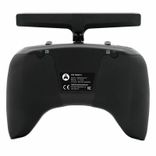
    Yes. You don't even have to take the radio apart to do basic adjustments. There are small holes in the back rubber grips that allow you to reach the tension screws. If you want a "super soft" feel, the Pro kit includes a spare set of lower-tension springs that you can swap in manually.

  • How do I use it with a flight simulator?

    It’s completely plug-and-play. When you connect the USB-C port to your computer, the OLED screen will ask if you want to use it as a "Joystick" or "Storage." Select Joystick, and it will work perfectly with Liftoff, Velocidrone, or Uncrashed. It also charges the battery while you practice.


VERIFIED PARTNERS

Many of our partners are verified by the manufacturers
SECURE PAYMENT

Our partners provide various verified payment methods

FAST SHIPPING

Fast handover to the shipping service within 24 hours with many partners

GROWING COMMUNITY

FPV is enjoying growing enthusiasm all over the world