





img-product
img-product
img-product
img-product

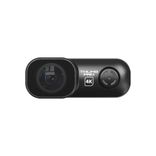
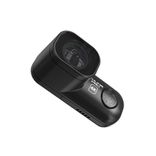
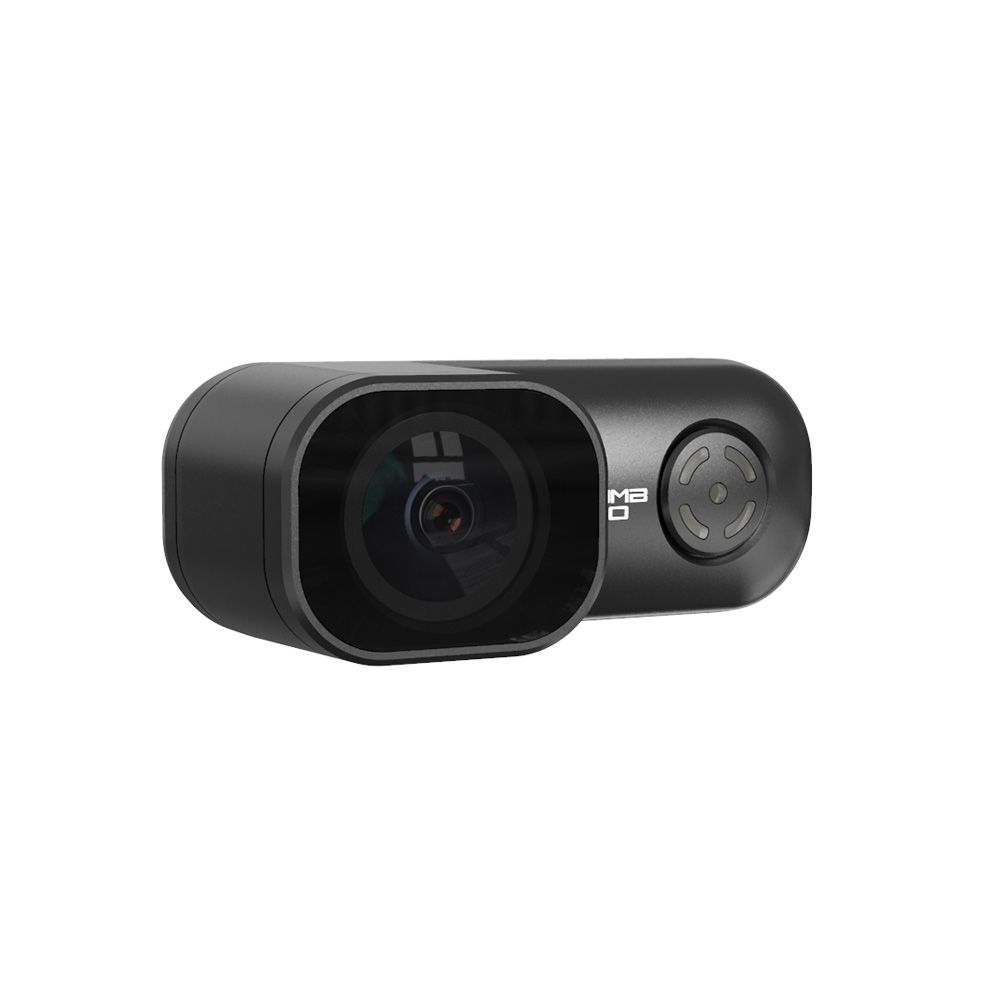
RunCam Thumb Pro 4K

Actioncams

Best Price
$84.99
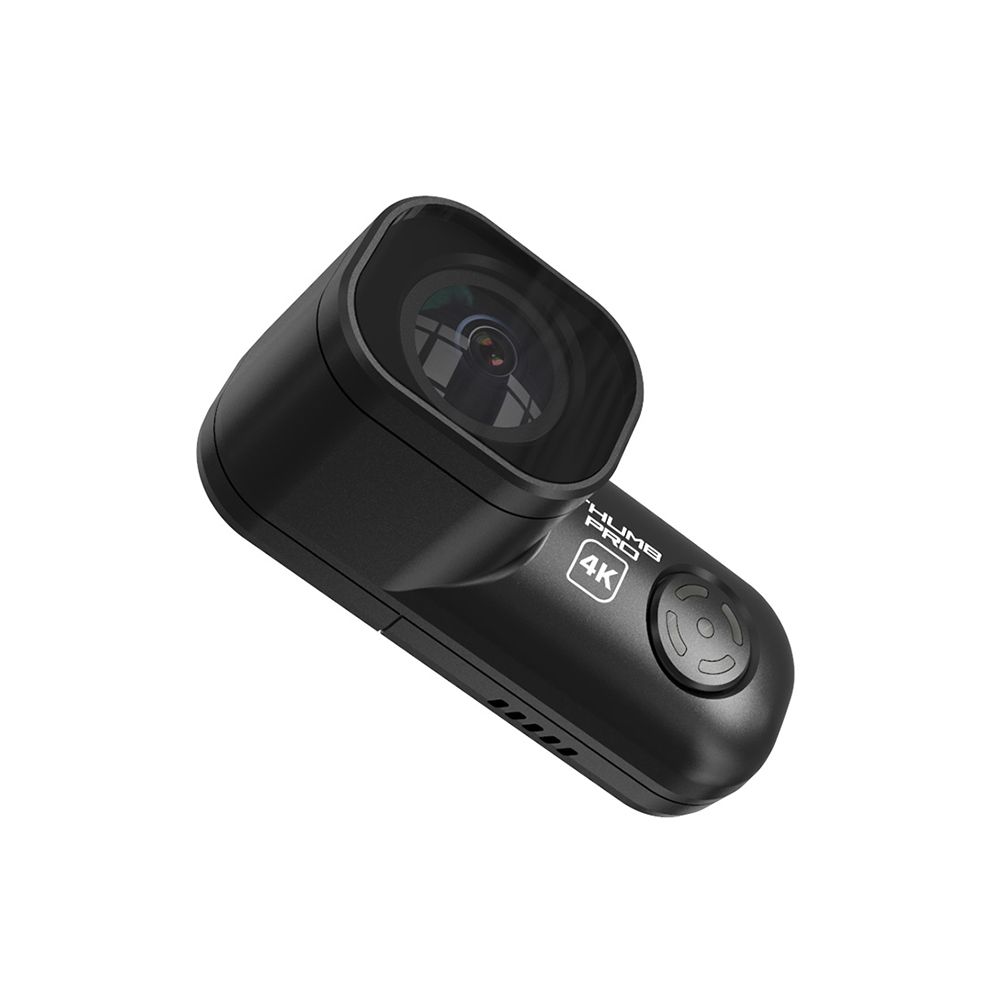
The RunCam Thumb Pro 4K is the high-definition evolution of the original Thumb. At just 16g, it remains incredibly light while jumping to 4K resolution and adding a replaceable lens protector. It is widely considered the best "weight-to-performance" camera for micro quads and cinewhoops where every gram matters, but 1080p just isn't sharp enough.

🎬

Product Description

RunCam Thumb Pro 4K Action Cameras Version 4K (Upgraded) Style Ultra-Light Mini Action Cam

The RunCam Thumb Pro 4K was designed to give pilots GoPro-like resolution in a package that weighs less than a single AA battery. It retains the "no internal battery" design of its predecessor to keep the profile slim and the weight at an absolute minimum.

  • 4K Resolution & Better Sensor: Upgrading from the 1080p sensor, the Pro version shoots up to 4K at 30fps (or 2.7K at 60fps). The image quality is significantly crisper, with better dynamic range for flying in varied lighting conditions.

  • On-Board Gyro Logging: It features a built-in IMU that logs flight data directly to the video file. This makes it "plug-and-play" with Gyroflow, allowing you to stabilize your footage with professional-grade smoothness in post-production.

  • Remote Control via UART: Unlike the original Thumb, the Pro can be wired to your Flight Controller's UART. This allows you to start and stop recording using a switch on your radio—no more landing because you forgot to press "record."

  • Portrait Mode Support: For social media creators, the Thumb Pro supports vertical shooting, allowing you to capture high-quality 4K 9:16 footage natively.

Technical Specifications:

  • Weight: 16g

  • Resolution: 4K@30fps, 2.7K@60fps, 1440P@60fps, 1080P@120fps

  • Video Format: MP4

  • Gyro: Built-in (for Gyroflow)

  • Communication Interface: Micro USB

  • Storage: Micro SD Card (up to 256GB, U3 recommended)

  • Power Input: 5V (Average 500mA @ 5V)

  • Dimensions: 54mm x 21mm x 25mm

The Pilot's Reality Check:

  • The 16g Trade-off: While 16g is amazing, it is nearly double the weight of the original Thumb (9.8g). On ultra-tiny 1S whoops, you might actually feel the difference in flight time and punch.

  • Heat Management: Just like the Peanut, this camera gets hot. It relies on the propeller wash to keep it cool. If you leave it powered on while working on your quad at the bench, it can overheat and shut down.

  • SD Card Speed: Because it writes 4K data, you must use a high-speed U3 or V30 Micro SD card. Slower cards will cause the camera to stop recording or drop frames.

📦 Package contains
  • 1 * RunCam Thumb Pro 4K Camera

  • 1 * 4-pin Power/Trigger Cable

  • 1 * 3D Printed Mount (standard)

  • 1 * ND Filter Set (usually ND8, ND16, and ND32)

  • 1 * Hardware Screw Pack

  • 1 * User Manual

🤔 Frequently Asked Questions
  • How does the image quality compare to the 1080p version?

    It’s a massive leap. While the original Thumb used a basic sensor, the Pro uses the Sony IMX577 (12MP) sensor. This allows for native 4K/30fps and 2.7K/60fps recording. The higher resolution is critical if you plan to use Gyroflow, as it gives the software more "room" to crop and stabilize the image without the final video looking blurry.

  • What is the "Wide FOV" (V2) version?

    RunCam updated the Pro with a new lens. The "V1" had a 145° Field of View, but the current V2 (Thumb Pro W) features a wider 155° FOV. This is better for FPV because it captures more of the surroundings, providing a greater sense of speed and making stabilization more effective.

  • Does it have a battery, and how do I power it?

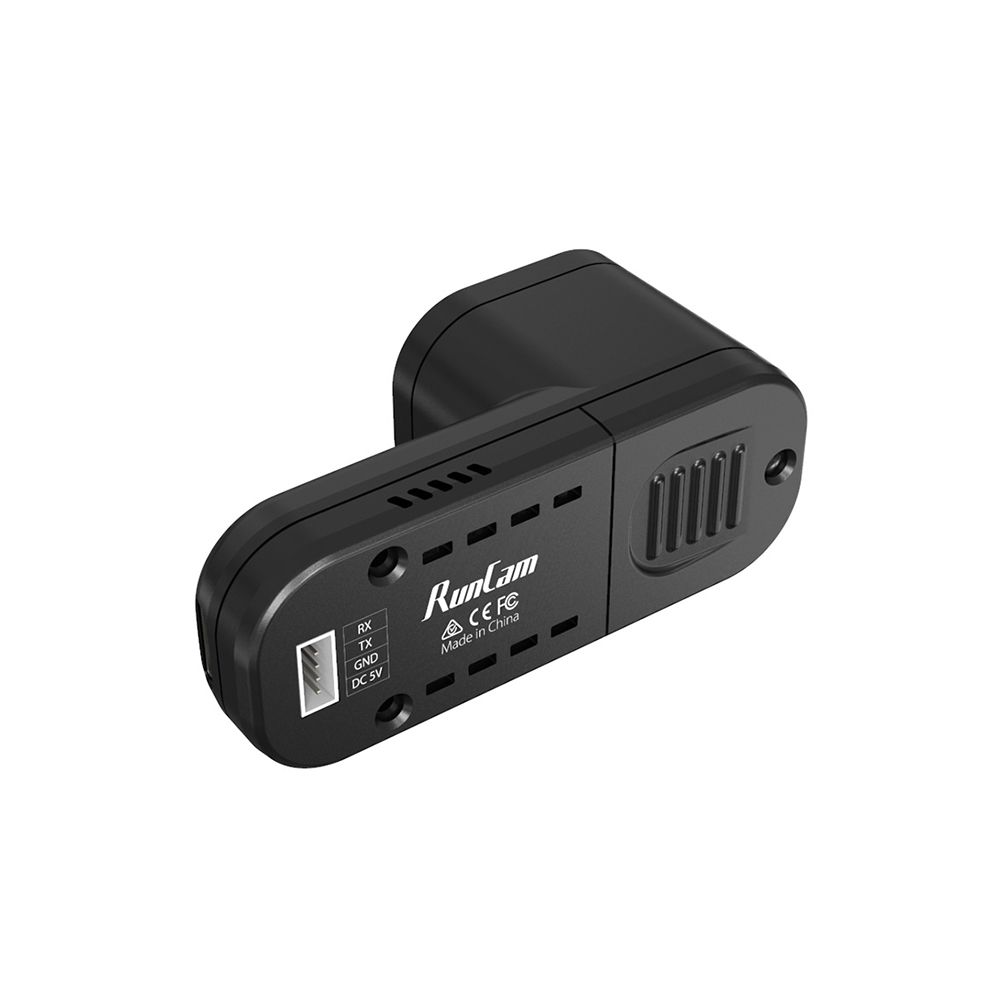
    Like the original, it has no internal battery.6 It is powered via a 4-pin GH1.25 connector on the back. You need to provide a steady 5V DC from your flight controller.7 It consumes more power than the 1080p version (up to 8$500$mA), so ensure your FC's 5V regulator can handle the load.9

  • Can I change settings with a smartphone?

    Yes. Unlike the original Thumb, the Pro supports QR Code parameter adjustment. You can use the RunCam App on your phone to generate a QR code with your desired settings (ISO, Shutter, Resolution), hold it in front of the lens, and the camera will automatically update its configuration.

  • How do I get smooth footage?

    The camera has a built-in gyro that records motion data directly into the .mp4 file. To stabilize your footage, you simply drag your video into Gyroflow. The software will automatically detect the gyro data and the lens profile, giving you "GoPro-level" smoothness with minimal effort.

Product Attributes

VERIFIED PARTNERS

Many of our partners are verified by the manufacturers
SECURE PAYMENT

Our partners provide various verified payment methods

FAST SHIPPING

Fast handover to the shipping service within 24 hours with many partners

GROWING COMMUNITY

FPV is enjoying growing enthusiasm all over the world